AI Image Generator
Create images from a text prompt with 13 AI image models in one place.
Vixlens is an AI image generator that runs 13 image models — including GPT Image 2, Nano Banana Pro and Recraft v4.1 — from a single account. Write what you want to see and get finished images back, from quick drafts to high-resolution finals and SVG vector graphics.
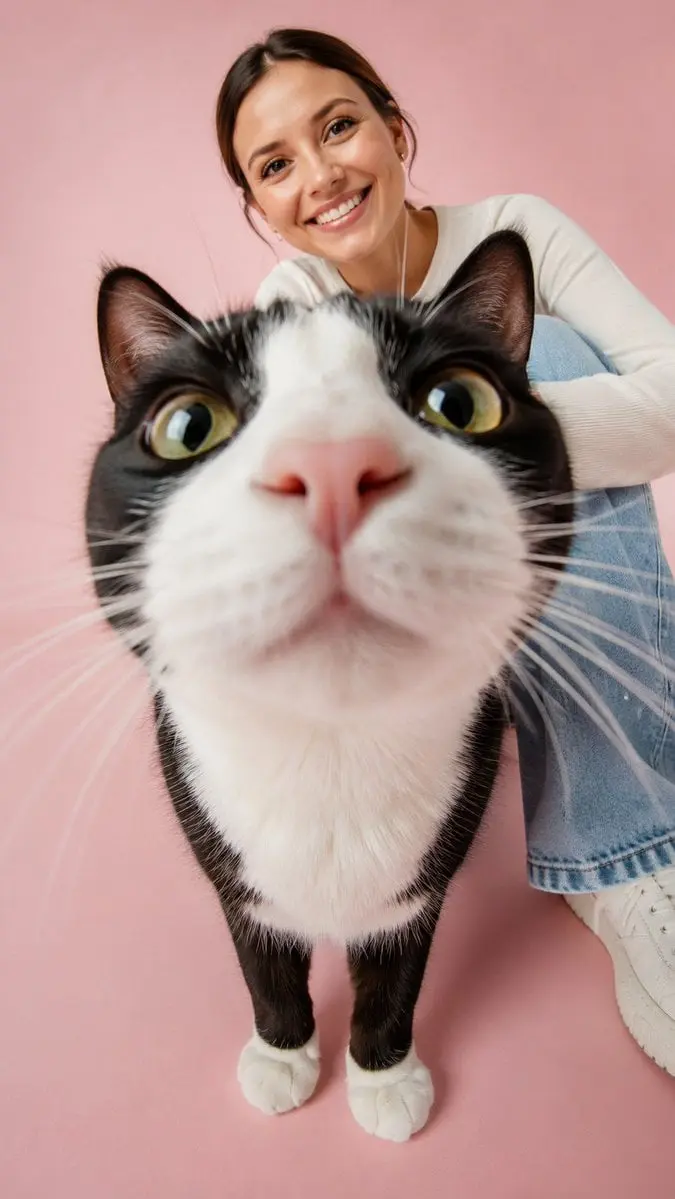
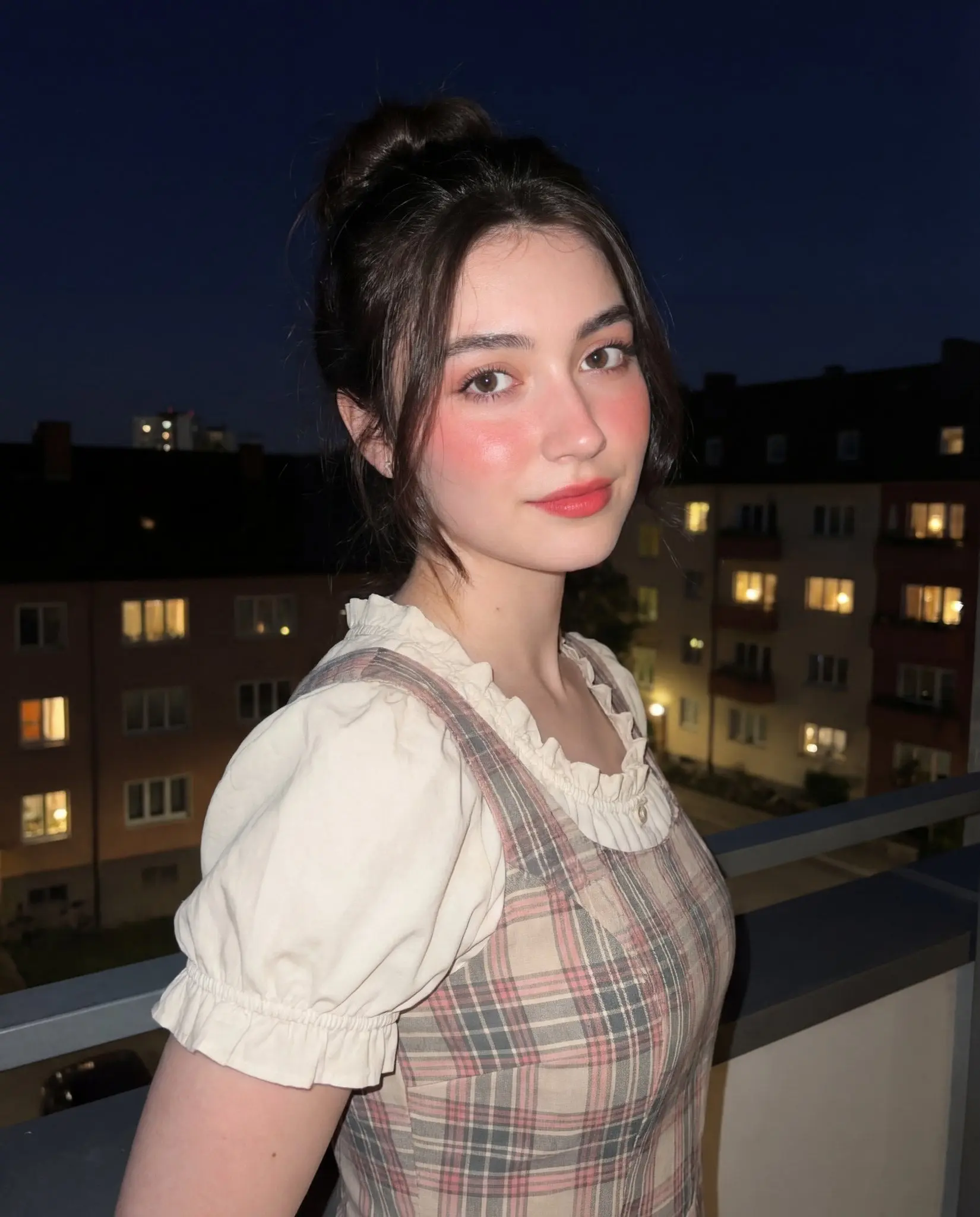
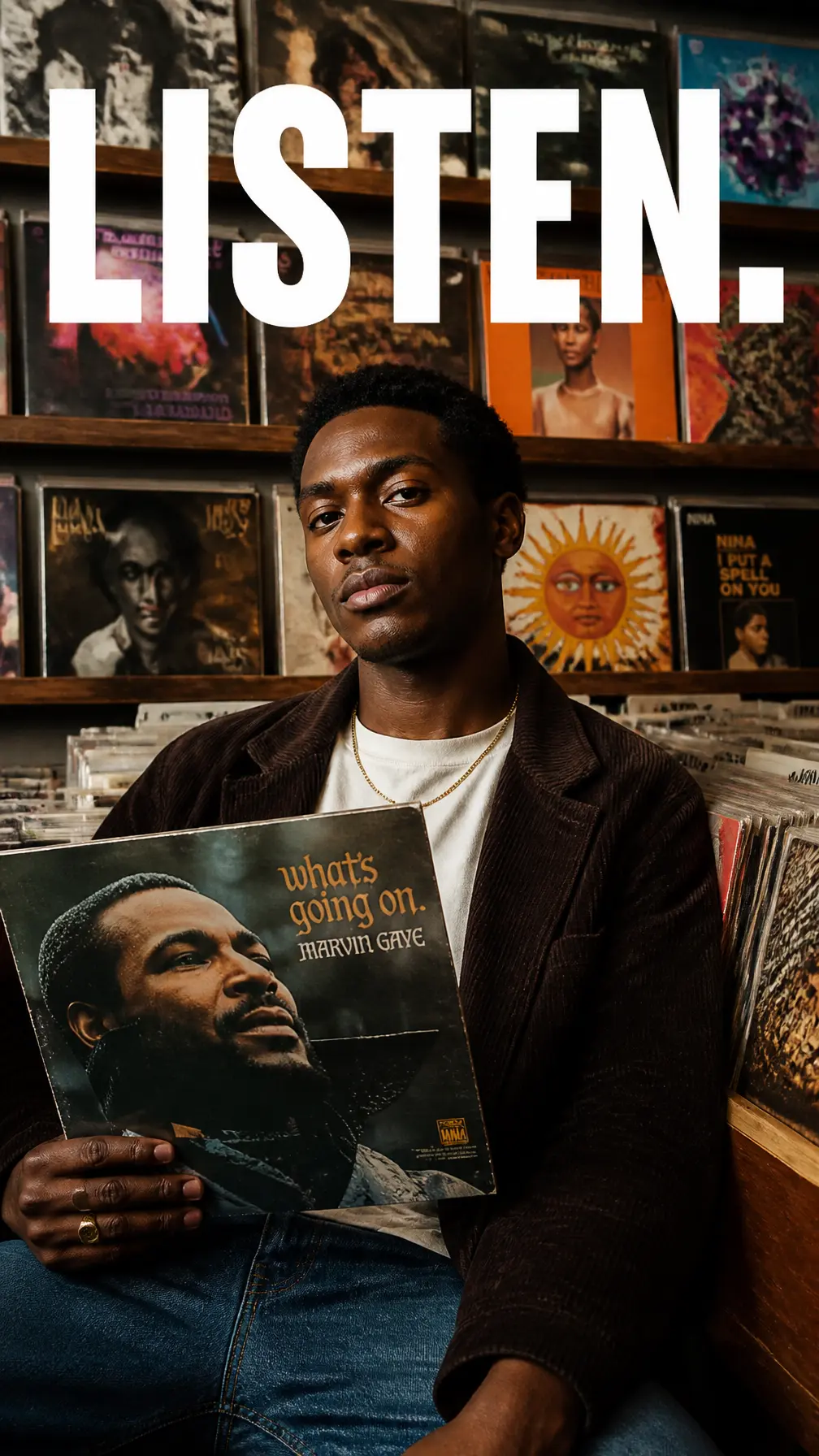
Made with GPT Image 2
Real output from GPT Image 2 on Vixlens, each with a prompt you can open in the composer.
How the AI image generator works
- Step 1
Pick an image model
Fast models for quick drafts, quality models for finals. The cost in credits is shown before you generate.
- Step 2
Write your prompt
Describe the subject, style, lighting and composition. The more specific the prompt, the closer the first result.
- Step 3
Generate and download
Images land in your gallery, ready to download or share.
13 AI image models in one place
One account and one credit balance for all of them. Open a model for its specs and example prompts.
GPT Image 2
OpenAI's image model, and the one to trust with text in the frame
Google · Text to imageNano Banana Pro
Google's highest-fidelity Gemini image model, up to 4K
Google · Text to imageNano Banana 2.1
Google's Gemini image model for multi-reference work, up to 4K
Google · Text to imageNano Banana 2 Lite
Google's fastest Gemini image model
Recraft · Text to imageRecraft v4.1
Fast, cost-efficient image generation with real style controls
Recraft · Text to imageRecraft v4.1 Pro
High-resolution Recraft, at 2048px and above
Recraft · Text to imageRecraft v4.1 Vector
The only model here that outputs production-ready SVG
ByteDance · Text to imageSeedream 5 Pro
ByteDance's flagship image model, with reference-image support
ByteDance · Text to imageSeedream 4.5
Seedream at up to 4K with aspect-ratio control
ByteDance · Text to imageSeedream 5 Lite
Faster Seedream 5, with PNG or JPEG output
xAI · Text to imageGrok Imagine
xAI's image model, with batch generation and wide framing options
xAI · Text to imageGrok Imagine Quality
The higher-fidelity Grok Imagine, with image editing
Leonardo · Text to imageLucid Origin
Leonardo's highly adaptable, prompt-responsive image model
AI Image Generator FAQ
- How much does the AI image generator cost?
- Generating needs a plan — there is no free tier. Starter is $10/month for 1,000 credits (launch offer: $6/month for the first 20 Starter subscribers, locked in while they stay subscribed). On Starter that is about 333 images with the fast image models. Paid plans export with no watermark and a commercial licence. The gallery is open without an account if you want to see results first.
- What is an AI image generator?
- An AI image generator creates a picture from a text description. On Vixlens you choose one of 13 image models, describe the image, and the model renders it — no photoshoot, stock library or design software needed.
- Which AI image models can I use?
- All of them from one account and one credit balance: GPT Image 2, Nano Banana Pro, Nano Banana 2.1, Nano Banana 2 Lite, Recraft v4.1, Recraft v4.1 Pro, Recraft v4.1 Vector, Seedream 5 Pro, Seedream 4.5, Seedream 5 Lite, Grok Imagine, Grok Imagine Quality and Lucid Origin.
- Can it make logos and vector graphics?
- Yes. Recraft v4.1 Vector outputs SVG, so logos, icons and illustrations stay sharp at any size.
- Can I use the images commercially?
- Yes. Every plan, from Starter up, includes a commercial licence.
- Can I turn my images into video?
- Yes — upload one to the Vixlens AI video generator and describe how it should move. Every plan includes video.
Make it move with the AI video generator
Turn a prompt or one of your images into a video clip.
Try the AI image generator
Every model on one credit balance — pick a plan and start creating.